
Mafia Casino Login
Access your account in seconds and start playing instantly.
Games at Mafia Casino






All Games






Accessing your Mafia Casino account takes less than two minutes with your registered email and password. If you cannot sign in, the solutions below address password resets, locked accounts, verification holds and VPN issues. Live chat is available 24/7 if you require human assistance.
How to Log In: Step-by-Step
Mafia Casino operates directly in your browser. You simply use the email and password from your registration to log in. No app is needed.
Launch Mafia Casino in your browser, on desktop or mobile.
Select the login button located at the top of the page.
Type in the email address you used during registration.
Enter your password and complete the login process.
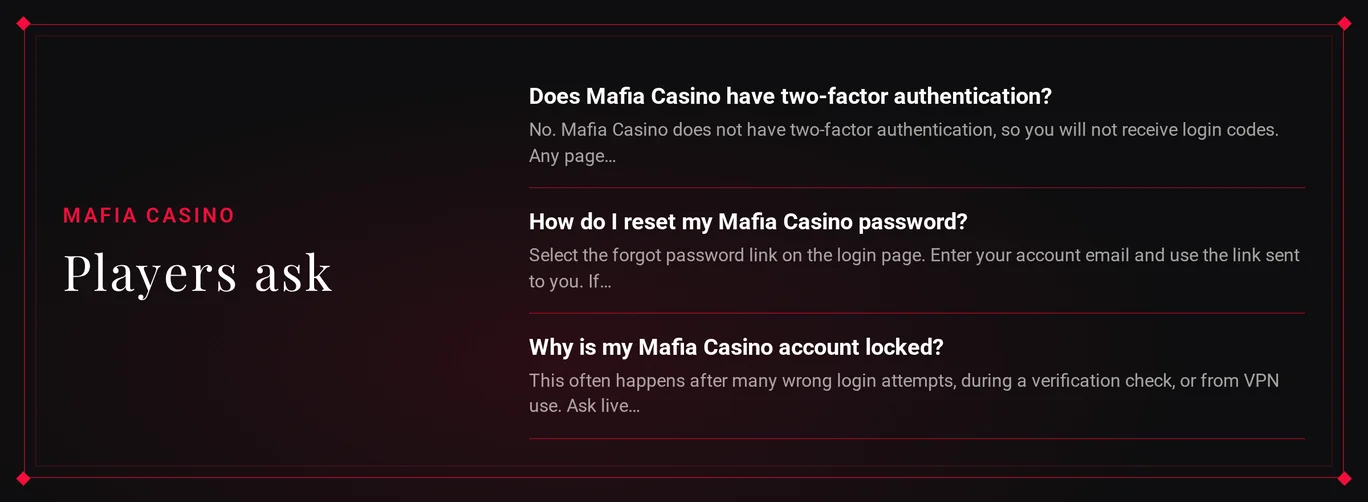
Initial failures often stem from a typo in the email or an extra space in the password field. Verify these before initiating a reset.
Login Problems and Fixes
Identify your issue from the table. Follow the numbered solution if the initial tip does not work.
| Problem | Likely Cause | Quick Fix |
|---|---|---|
| Wrong password message | Typo, caps lock or old password | Retype carefully, then reset the password |
| Account locked | Repeated failed attempts or a review | Contact live chat with your account email |
| KYC pending | Identity documents requested | Send ID and proof of address to support |
| VPN or proxy active | Terms breach flagged on your connection | Disconnect the VPN and log in again |
| 2FA code not arriving | Mafia Casino has no 2FA option | Close any page asking for a code and log in fresh |
| Page loads but login fails | Stale cookies or cached files | Clear cookies and cache, then retry |
You can clear your browser data quickly:
- Close the casino website tab.
- Go to your browser settings and remove cookies and cached data for this site.
- Restart the browser.
- Attempt to log in again, or try a private browsing window if the problem persists.
- Test a different browser before reaching out to support.
How to Reset Your Password
You handle steps 1 through 4. The support team only helps at step 5, once you confirm the email on your account.
- Go to the login form and select the 'forgot password' link.
- Input the email address associated with your Mafia Casino account.
- Find the email from Mafia Casino, including your spam folder, and click the password reset link inside.
- Create a new password and use it to log in.
- If you don't get the email, contact live chat from your registered email address. Ask support to send it again.
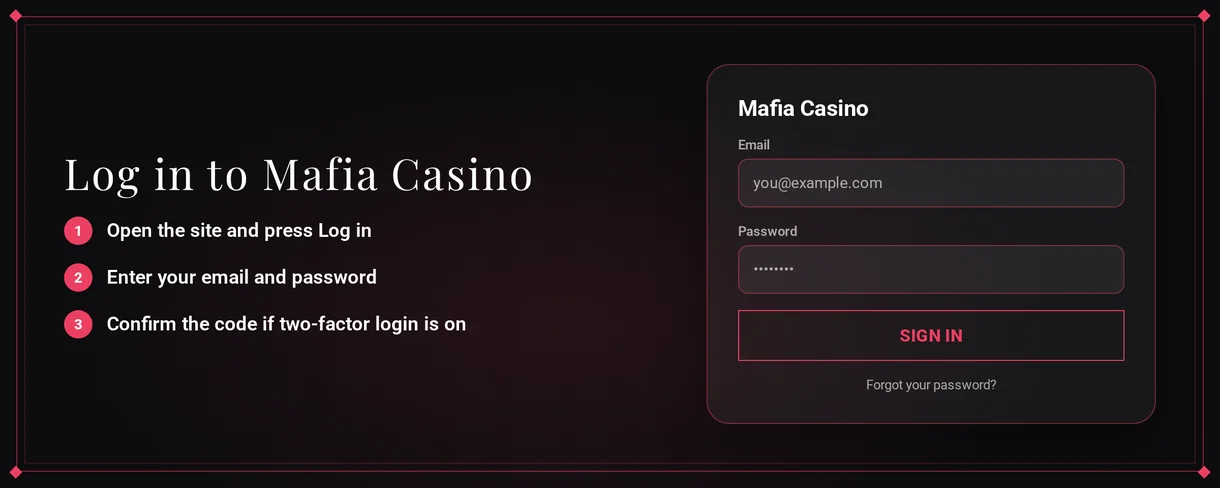
Choose a password that is unique to this site.
Account Locked or Suspended
Account access usually stops because of repeated failed login attempts, incomplete verification, breaking terms like VPN use, or self-exclusion. Support will identify the reason for your account.
- You should stop trying to log in repeatedly. This prevents the problem from escalating.
- You need to contact live chat from your registered email address.
- Support will explain why your account is restricted.
- If verification is the cause, you must finish it immediately. Check the next section for guidance.
- Support will restore your access after their review is done.
Self-exclusion is handled differently. Permanent self-exclusion shuts the account. A temporary cool-off blocks access for your chosen time. You can request either from support. A self-assessment tool is also provided.
Gambling Helpline Aotearoa helps if gambling harms you. Call 0800 654 655 or visit gamblinghelpline.co.nz.
KYC Verification
Mafia Casino may request ID verification anytime. You must finish this before any withdrawal is paid. Pending documents delay your cashout. Submitting them fast speeds up your funds.
Required documents:
- For identity, provide a valid government ID.
- For proof of address, supply a recent document with your name and home address.
- Take clear, full-frame photos or scans of both documents.
- Submit them using the method support provides.
- Wait for support to confirm your verification is done.
- Then submit your withdrawal request once more.
VPN Policy
Using a VPN or proxy violates Mafia Casino's terms. A flagged connection can block login. Always sign in from your regular home or mobile network.
- Switch off any VPN or proxy service on all your devices.
- Delete your browser cookies and clear the cache.
- Sign in once more from your normal internet connection.
- If you still cannot access your account, inform live chat you were using a VPN so the support team can check it.
Logging In via Mobile App
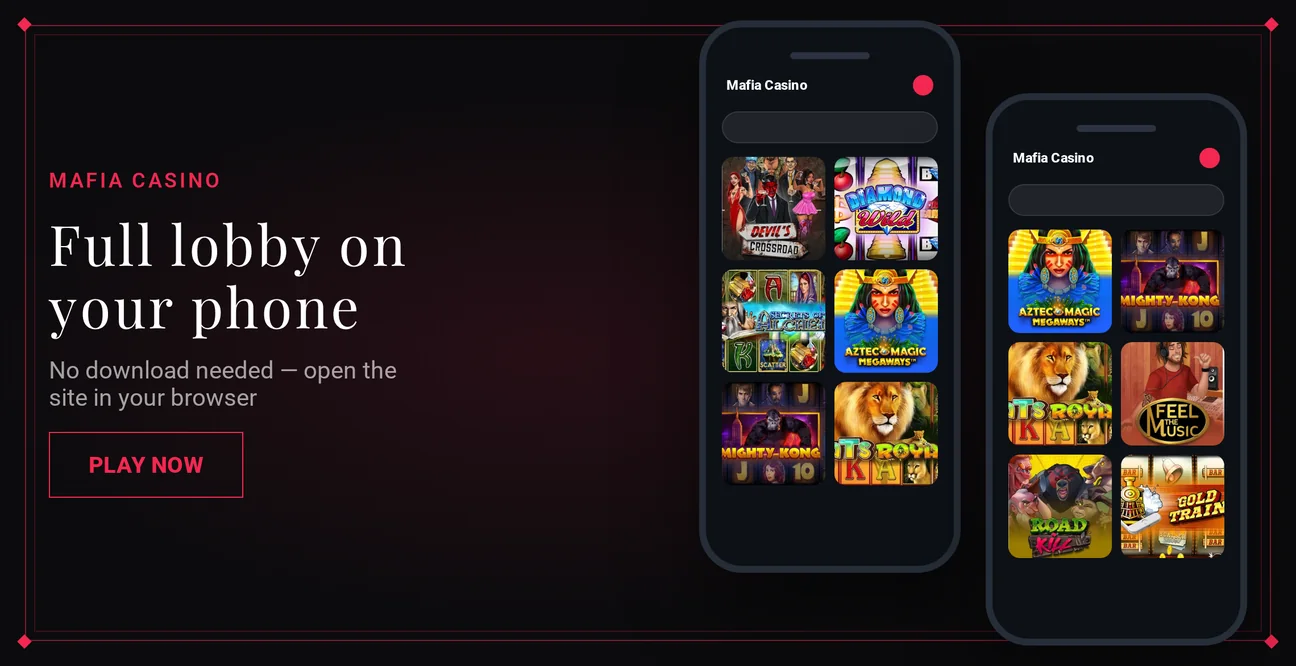
Mafia Casino does not provide an app for iOS or Android. You access it through a mobile-friendly, instant-play site in your phone's browser.
| Feature | Status |
|---|---|
| iOS app | No |
| Android app | No |
| Mobile browser login | Yes |
| Biometric login | No |
| Push notifications | No |
- Launch Safari, Chrome, or another browser on your phone.
- Navigate to Mafia Casino and select the login button.
- Type in the same email and password you use on a computer.
Be careful with any download that says it is a Mafia Casino app, as there is no real one.
Contact Support
For locked accounts or verification, live chat is the quickest option. Support is available in English and 12 other languages, such as Spanish, German, French and Polish.
| Channel | Contact | Hours |
|---|---|---|
| Live chat | On the site | 24/7 |
| Telegram | @MafiaCasinoOfficial | Messaging channel |
Provide these pieces of information in your first message to avoid extra questions from support:
- Your account email address
- A description of what occurs when you try to sign in
- If you had a VPN active
- A picture of any error message you see